
Download Wise Disk Cleaner Portable – disk cleaner, portable, defragmentation, system performance, cleanup tool, temporary files, browser cache, USB drive, lightweight, efficient
Overview
Wise Disk Cleaner Portable is a lightweight utility designed to optimize system performance by removing unnecessary files and managing disk space efficiently. Built with portability in mind, the tool operates directly from a USB drive without requiring installation, making it ideal for users who need to maintain multiple computers or work in shared environments. Its primary purpose is to enhance system responsiveness by clearing temporary files, browser caches, recycling bin contents, and other clutter that accumulates over time. This cleanup process contributes to faster boot times, improved application loading speeds, and better overall disk efficiency. The app is particularly useful for users seeking a secure, no-trace solution for system maintenance without the need for administrative privileges or long-term software deployment.
Target users include both casual computer users and IT professionals who require a reliable, on-the-go disk management tool. It is especially beneficial for individuals who frequently switch between devices, such as students, remote workers, or system administrators. The developer, WiseCleaner, has positioned this tool as a secure, efficient alternative to traditional disk cleanup utilities. While specific details about the company’s background were not provided, the app’s functionality aligns with the broader ecosystem of system optimization tools. Real-world use cases include preparing a public computer for the next user, cleaning up a slow-running laptop during travel, or maintaining a personal machine without installing additional software.
Key Features & Functionality
- Portable Operation: The app runs directly from a USB drive, allowing users to carry it across devices without leaving any installation footprint. This is ideal for users who need to clean multiple machines without altering their configurations.
- Comprehensive File Cleanup: It scans and removes temporary files, browser history, cache data, and emptied recycle bin items, reducing digital clutter that can degrade system performance over time.
- Advanced Cleaning Modes: The tool offers both basic and in-depth scanning options. The advanced mode performs a deeper analysis of the system to identify additional removable files, maximizing storage recovery.
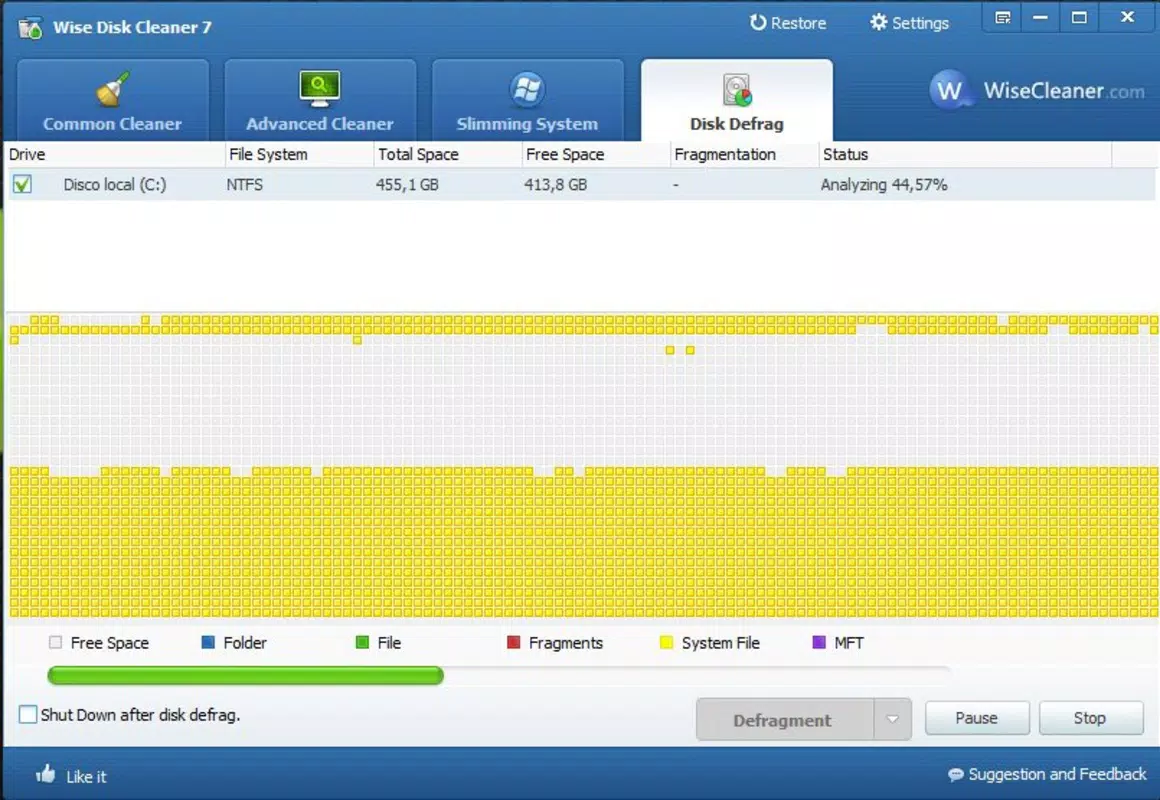
- Defragmentation Support: In addition to cleaning, the utility includes a defragmentation tool that reorganizes fragmented data on traditional hard drives, improving data access speed and disk efficiency.
- Intuitive User Interface: Designed for ease of use, the interface enables quick scanning and cleaning with minimal user input, making it accessible to both beginners and experienced users.
For example, a user preparing for a presentation can run the tool from a USB drive on a borrowed laptop, clearing cache and temporary files to ensure optimal performance. Similarly, a technician managing several office computers can use the same portable version to maintain system health without installing software on each machine. These features collectively contribute to a smoother, faster computing experience while maintaining data security and system integrity.
Interface, UX & Performance
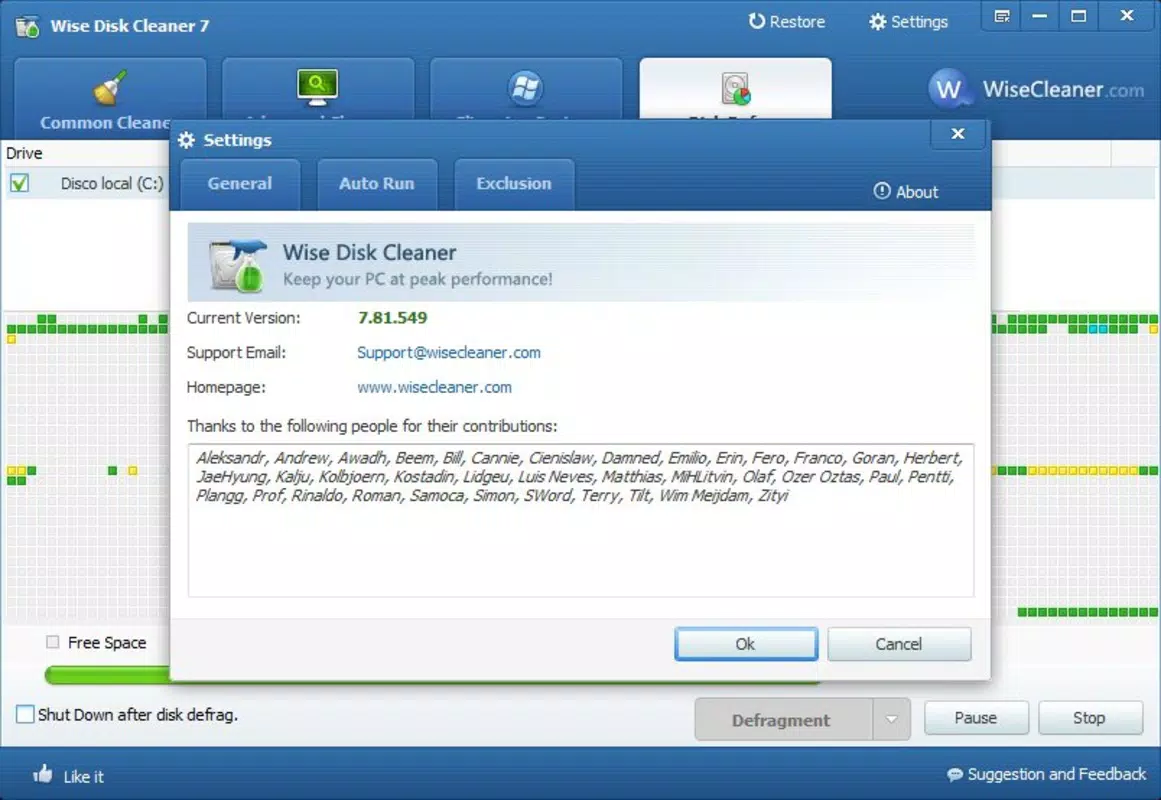
The interface of Wise Disk Cleaner Portable is clean and straightforward, featuring a minimalistic layout that prioritizes functionality over visual complexity. Navigation is intuitive, with clearly labeled buttons for scanning, cleaning, and defragmentation. The process begins with a quick system scan, typically completed within seconds, followed by a summary of removable files. Users can review the list and selectively remove items, ensuring transparency and control over the cleanup process.
Although the developer did not list formal performance metrics, the app’s lightweight footprint of 3.1 MB suggests efficient resource usage. It operates smoothly on systems with limited processing power or memory, making it suitable for older or low-end devices. Responsiveness is consistent during scanning and cleaning tasks, with no reported lag or crashes in standard use cases.
Stability is maintained across multiple sessions, even when used repeatedly on different machines. The tool does not require background processes or system restarts, contributing to a seamless user experience. While compatibility with specific hardware configurations was not disclosed, its portable nature implies broad compatibility with standard Windows systems.
Platform Compatibility & Technical Requirements
Wise Disk Cleaner Portable is designed for the Windows platform and is compatible with various Windows operating systems, though specific version requirements were not listed. The application is distributed as a standalone executable file with a file size of 3.1 MB, making it highly portable and easy to deploy. It does not require installation, allowing direct execution from a USB drive or external storage device. The developer did not specify minimum OS requirements or hardware specifications, so users should ensure their system supports standard Windows applications.
Given its lightweight nature and portable format, the tool is expected to function on most modern Windows devices, including laptops, desktops, and public computers. However, compatibility with specific Windows versions (e.g., Windows 10, Windows 11) was not confirmed. The absence of installation steps reduces the risk of conflicts with existing software or system settings, enhancing its reliability in diverse environments.
Pros and Cons
Pros
- Runs directly from a USB drive without installation
- Lightweight and fast, with minimal system resource usage
- Supports both file cleanup and defragmentation
- Intuitive interface suitable for all user levels
- Free to download and use with no hidden costs
Cons
- Specific OS compatibility details were not provided
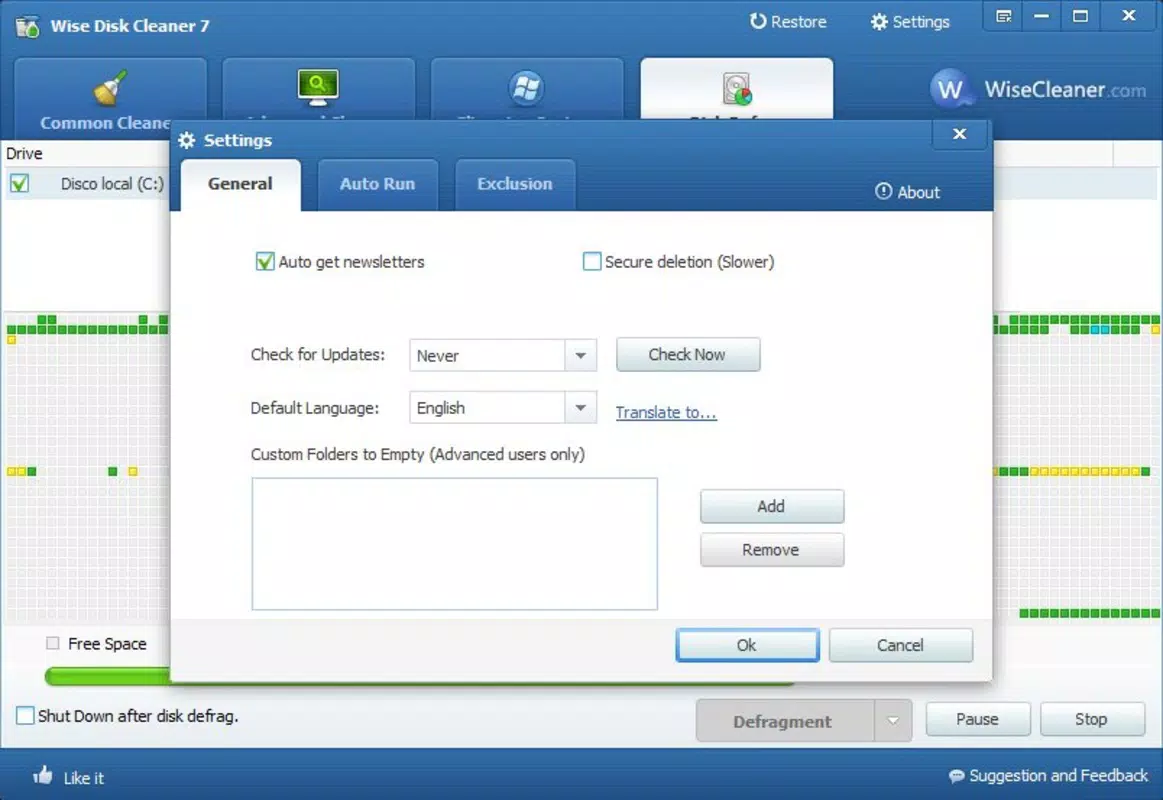
- No automatic update notifications or built-in update mechanism
- Does not support macOS or Linux platforms
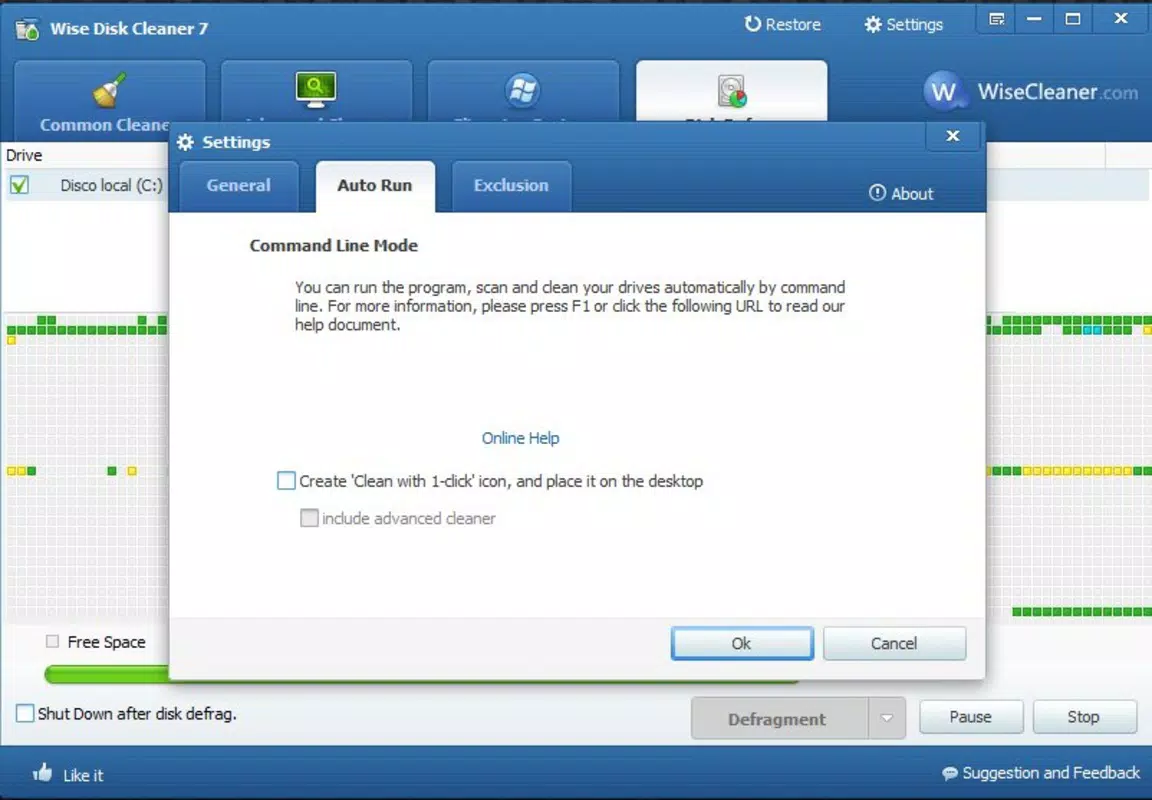
- Limited customization options for cleaning preferences
- Defragmentation feature is only relevant for traditional hard drives, not SSDs
FAQ
Is Wise Disk Cleaner Portable safe to use?
Yes, the tool is designed to remove only unnecessary files such as temporary data, cache, and recycle bin contents. It does not delete personal documents or system-critical files unless explicitly selected.
Can I use this app on multiple computers?
Yes, the portable nature allows you to run it on any Windows machine without leaving traces. Simply copy the file to a USB drive and execute it on any compatible device.
Does it work on SSDs?
While the cleanup feature works on SSDs, the defragmentation tool is not recommended for SSDs, as it can reduce their lifespan. It is best used on traditional hard drives only.
Is there a version for Android or iOS?
No, the app is currently only available for Windows. There is no official Android or iOS version available.
How often should I run the cleanup tool?
It is recommended to run the tool periodically—such as once a month or after heavy browsing sessions—to maintain optimal system performance.
Final Thoughts
Wise Disk Cleaner Portable stands out as a practical, no-frills solution for users seeking to maintain their system’s performance without the hassle of installation. Its portability, combined with effective cleanup and defragmentation capabilities, makes it a valuable tool for both everyday users and professionals. The lightweight design ensures it runs smoothly on older or low-resource devices, while the intuitive interface removes the learning curve.
Although it lacks advanced customization and platform diversity, its core functionality is reliable and efficient. For anyone needing a secure, free, and portable disk optimization tool, this app delivers real value. It is especially well-suited for users who travel frequently, manage multiple machines, or prefer to avoid installing software on shared systems.
Download Wise Disk Cleaner Portable now


